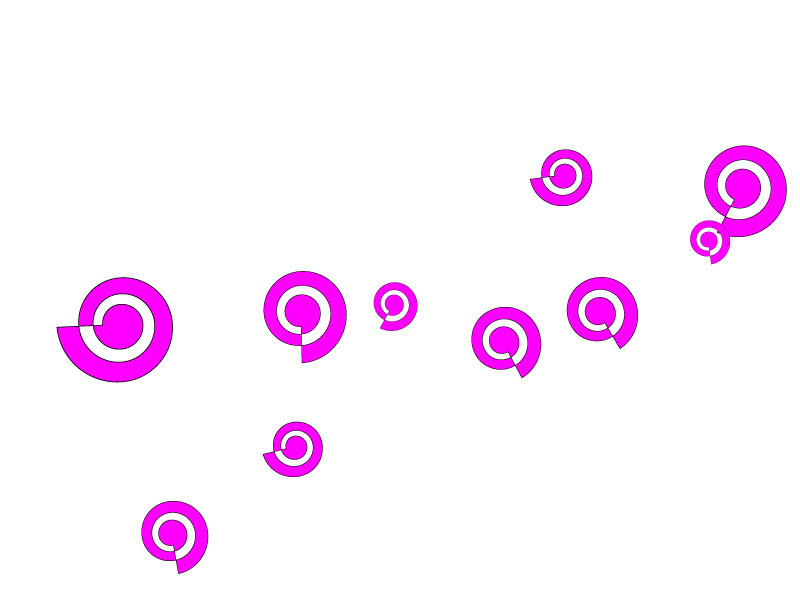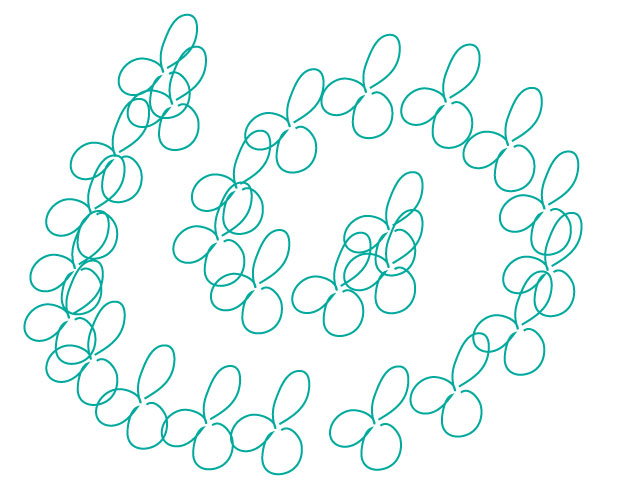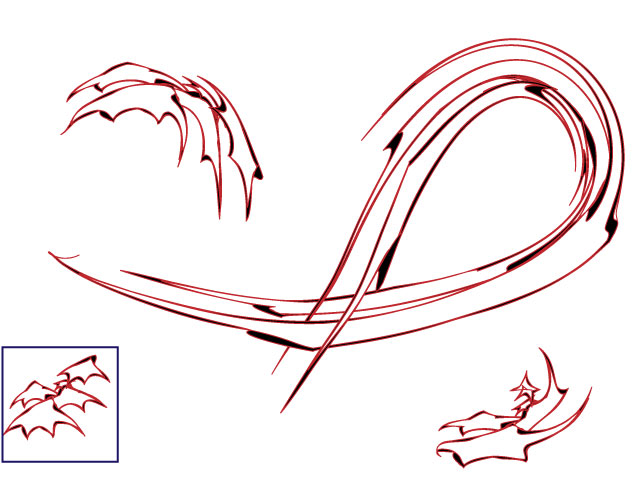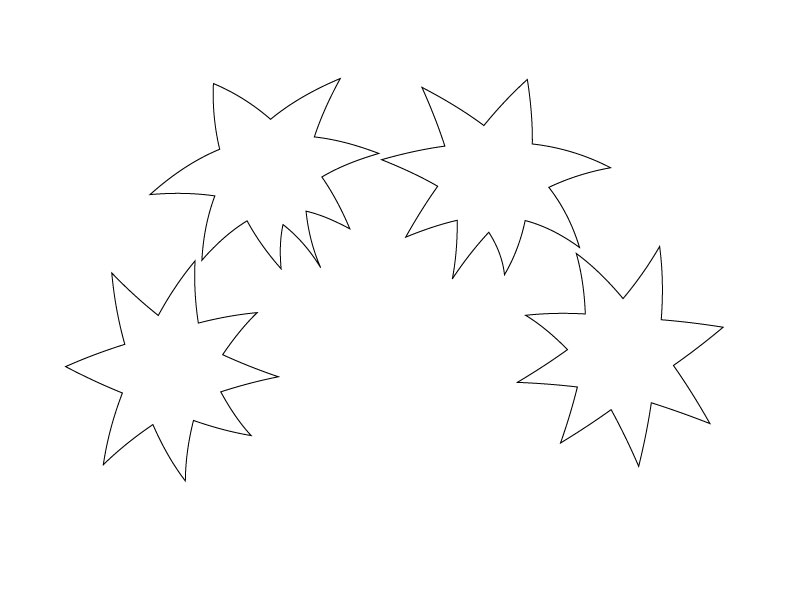
Adobe Illustrator (G401.29) - Week 2 Assignment
using Adobe Illustrator CS3 - 13.0.2
Part I - Create the following elements:
|
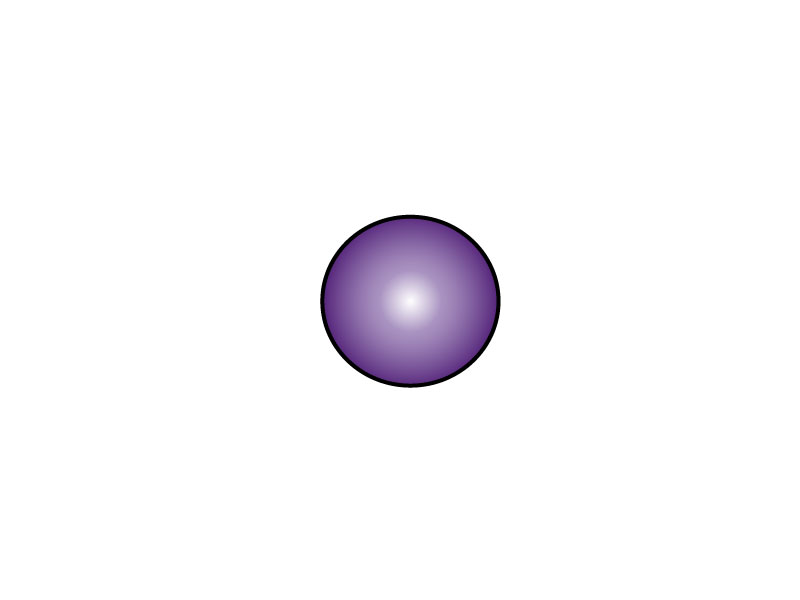
Perfect Circle |
|
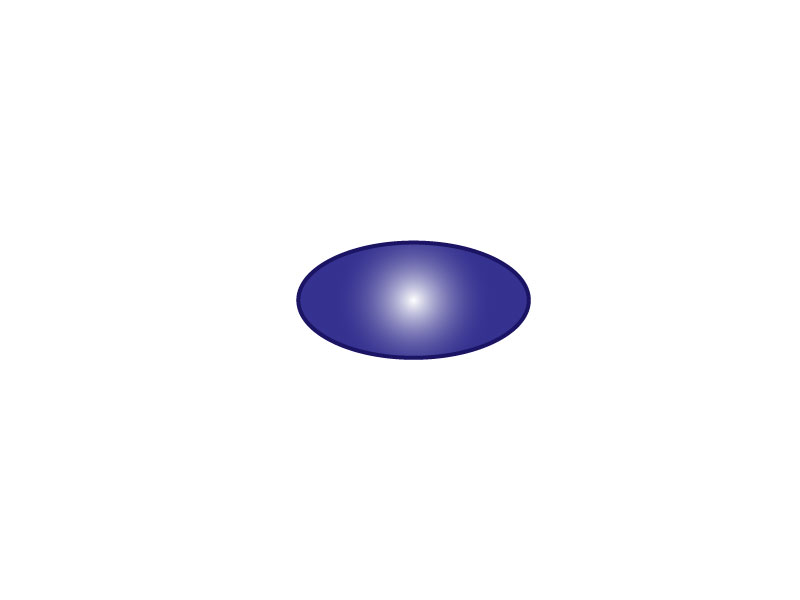
| Oval | ![]() |
| Perfect Square | ![]() |
| Rectangle | ![]() |
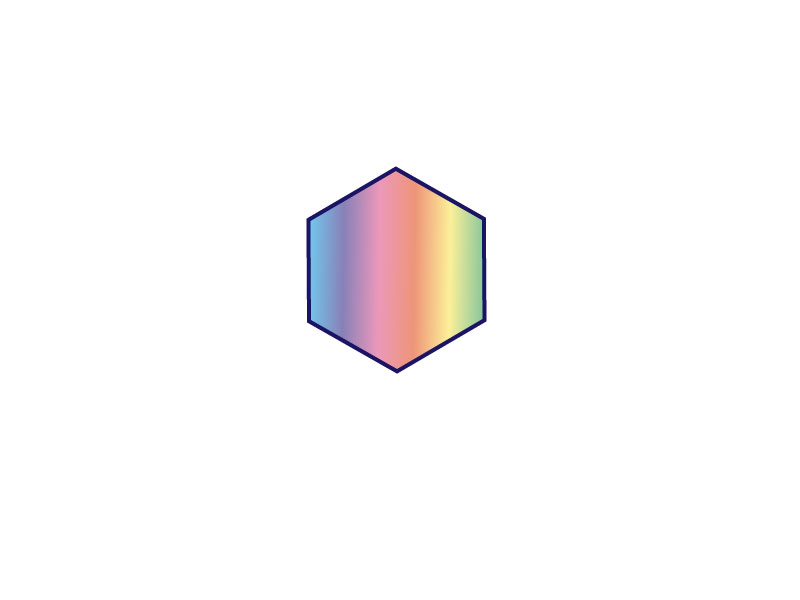
| Hexagon | ![]() |
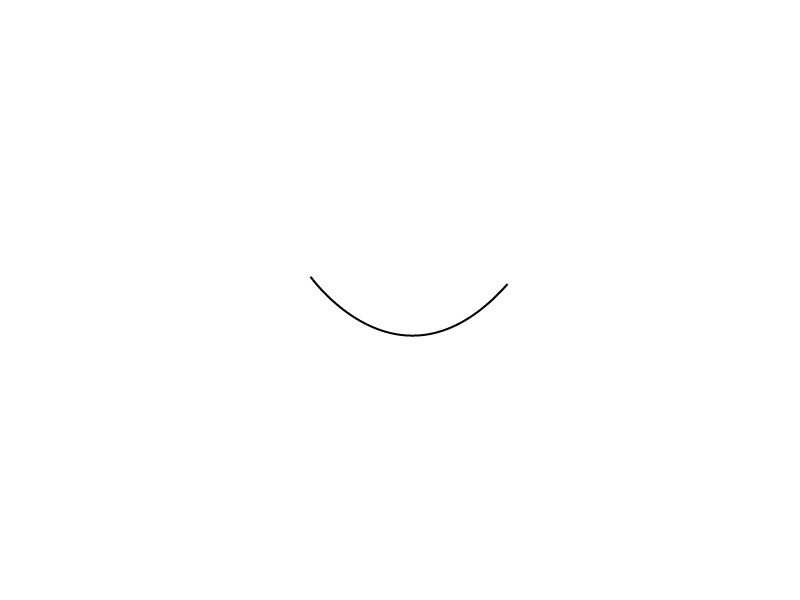
| Arc | ![]() |
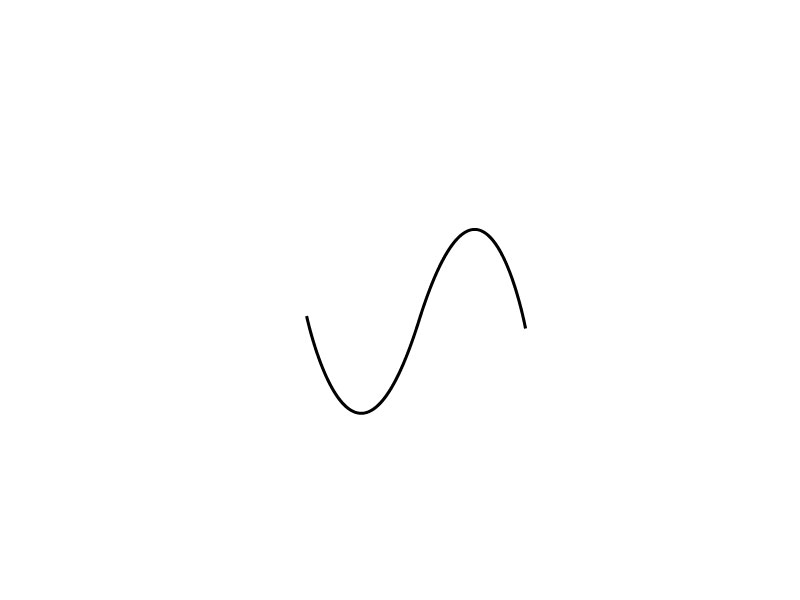
| Ogee | ![]() |
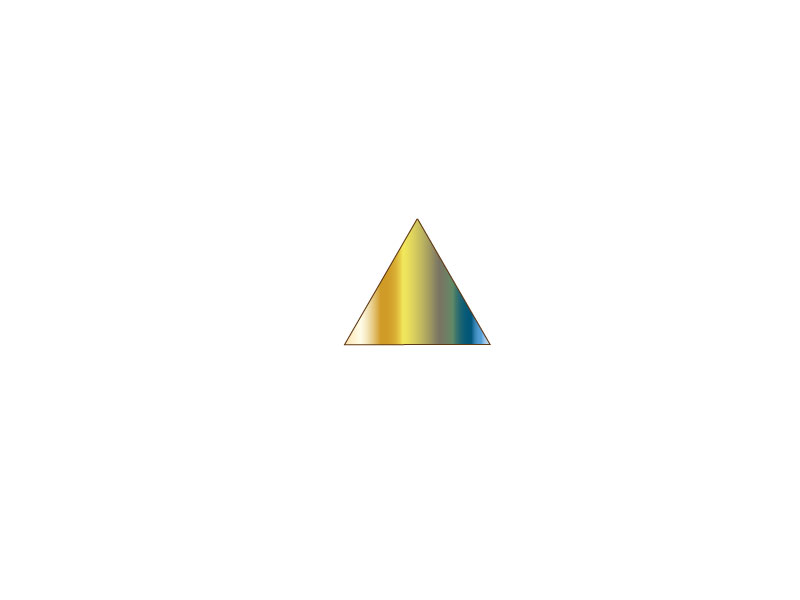
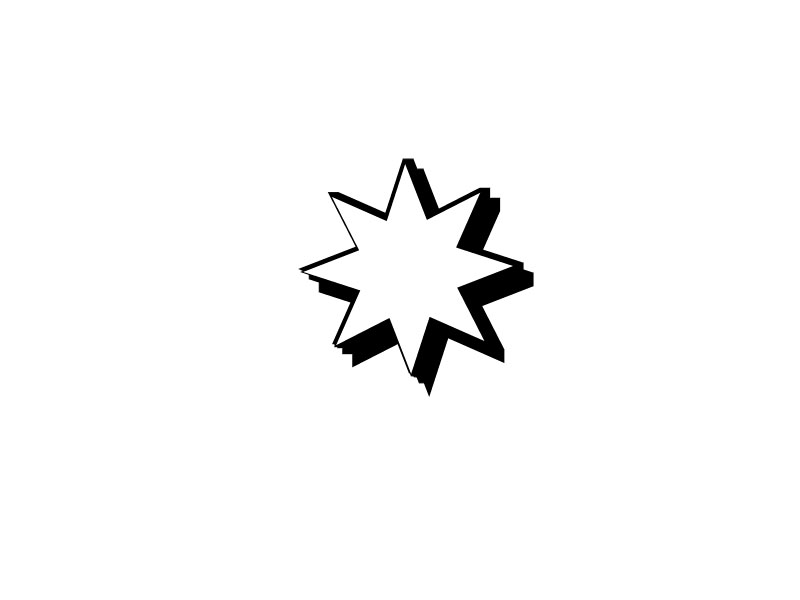
| Filled Object | ![]() |
|
Outlined Unfilled Object |
![]() |
| Calligraphic Brush |
![]() |
| Scatter Brush |
![]() |
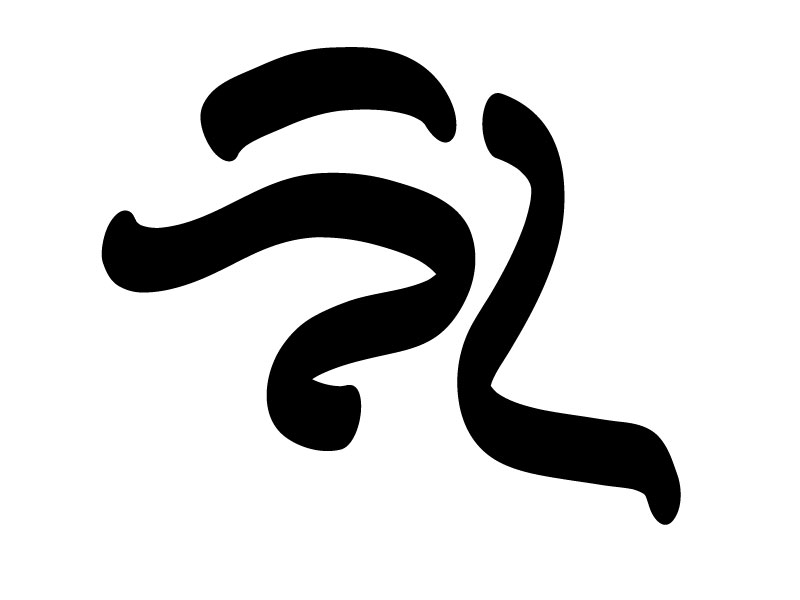
| Art Brush |
![]() |
| Pattern Brush |
![]() |
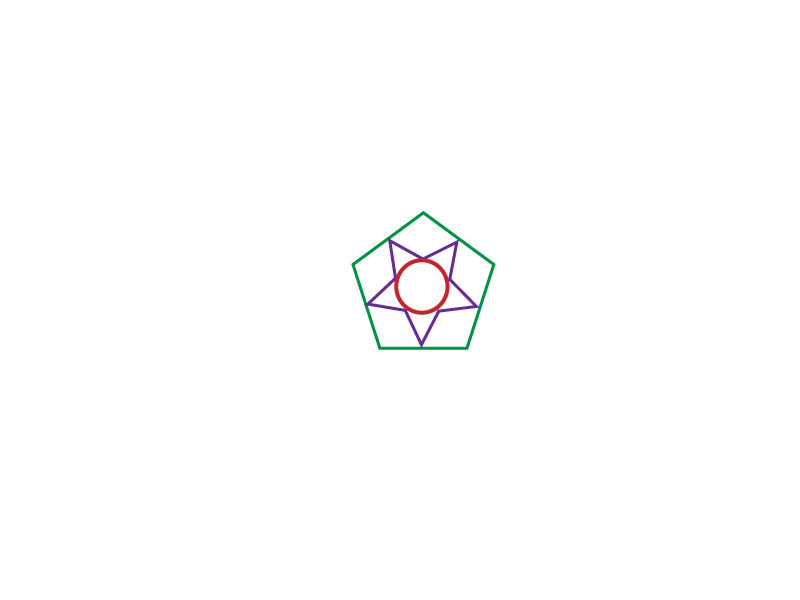
| Personal Symbol |
![]() |
Part II - Complete your version of the tutorial.
|
Step 1 - Base design
Button symbol - stretched to oval and overlapped |
|
|
Step 2
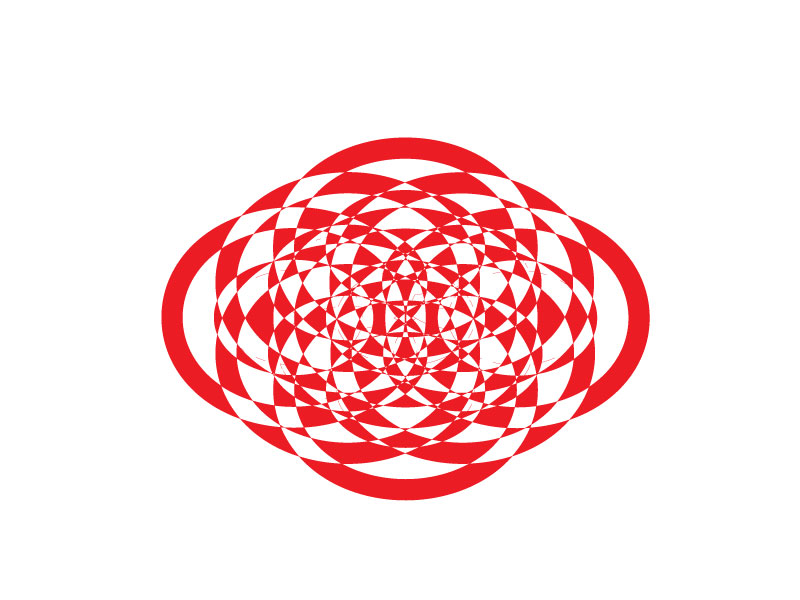
using Pathfinder - exclude overlapping shape area |
![]() |
|
Step 3
after using an offset path on the outside of the graphic exclude overlapping shape area
|
![]() |
|
Step 4
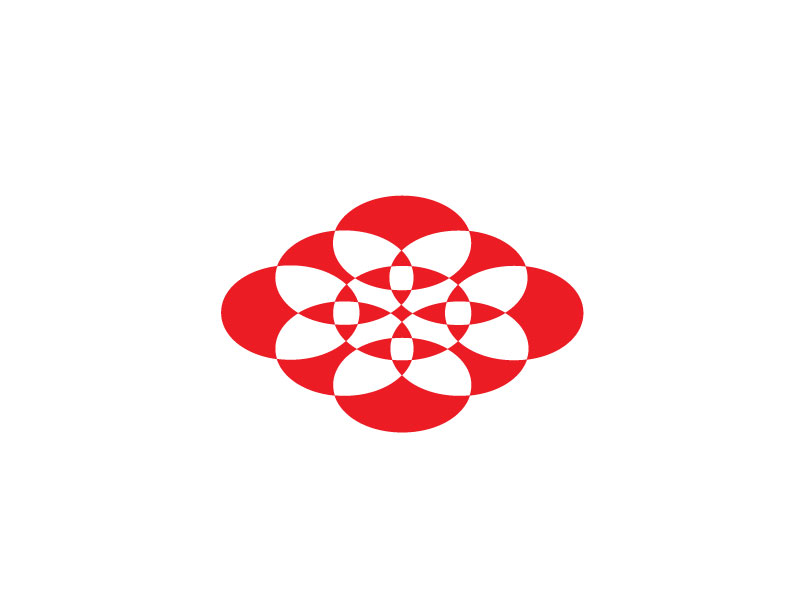
after using an offset path on the inside of the graphic exclude overlapping shape area
|
![]() |
Part III
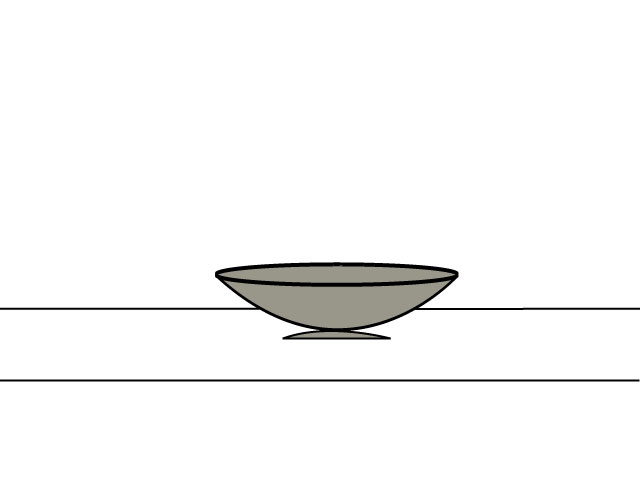
A bowl on a table .......... a bowl of fruit? A bowl of flowers? Who knows!